A mobile app that keeps working when the signal doesn't
Most apps assume a bank feed, a live connection, and an AI budget that scales with usage. None of that holds in a cash-heavy, patchy-connectivity market, so features silently stop working, or the app becomes something you only check with wifi. This is the build that fixes the assumption — already shipped as an offline-first Flutter app for the Dominican market.
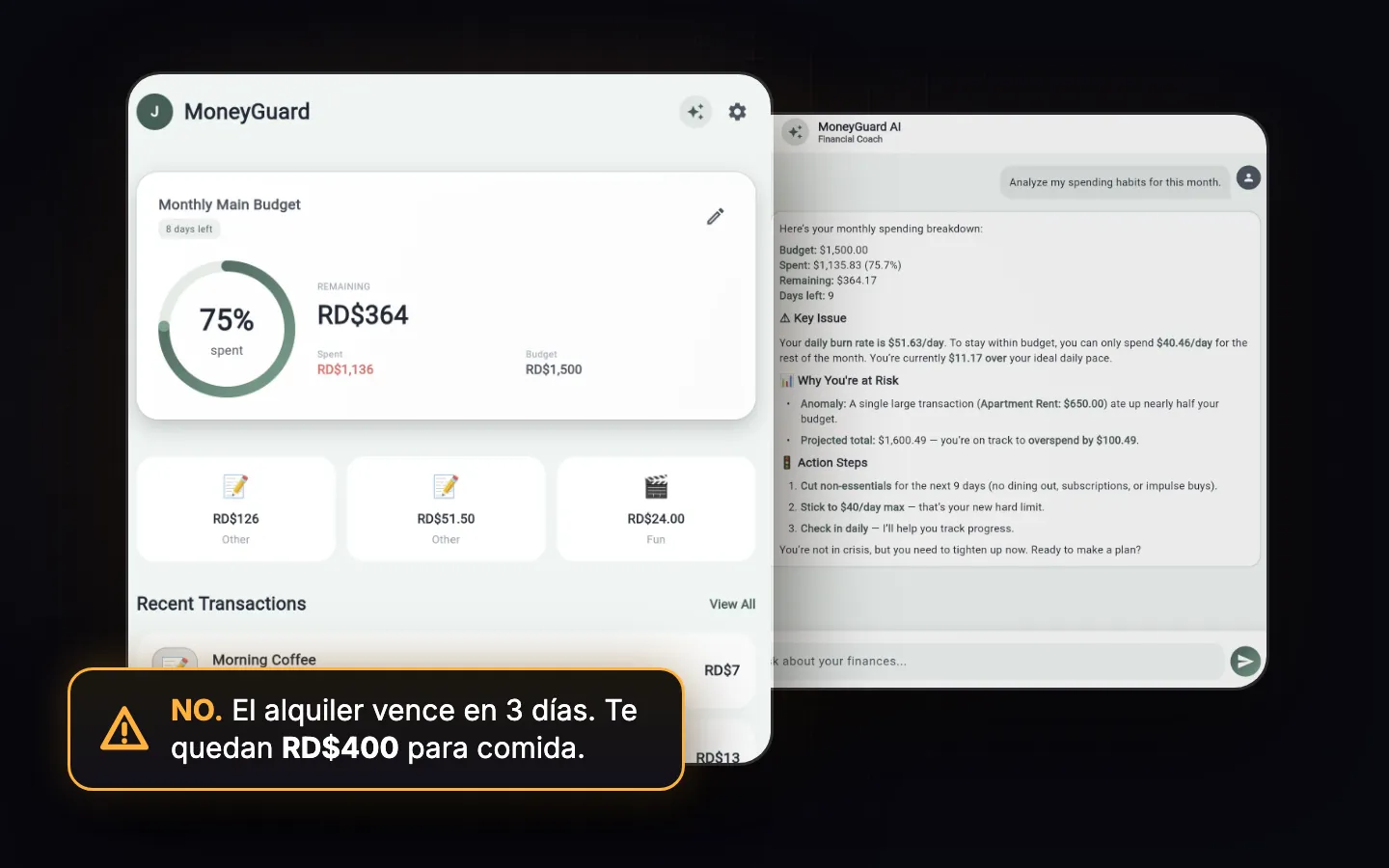
An app that needs signal to work fails exactly when people use it most.
On the street, in a corner store, out in the field or in a month without data, a connection isn't guaranteed. If your app saves to the cloud first, every dead zone is an endless spinner and a user who doesn't come back. Offline-first flips the order: the phone is the source of truth and the cloud catches up when it can.
Put in your numbers.
Local data first
A local database as the source of truth: saving never waits for the network.
Background sync
When signal returns it catches up on its own, with nothing for the user to do.
Processing on the phone
OCR and logic that run on the device — free and instant.
AI only where it pays
A cascade that calls the model only when local logic can't settle it.
Offline-first, not offline-tolerant
Local storage as the source of truth with background sync, so every core feature works with zero connection — not a cached read-only fallback bolted on afterward.
AI that costs cents, not dollars
A decision cascade where cheap local logic handles the common case and the paid model fires only when it actually has to — the difference between a few dollars a month and one API call per action.
On-device processing
OCR and similar processing run on the phone itself — free, instant, and nothing sensitive leaves the device.
Built for low-friction use
Core actions in a couple of taps and a few seconds, because a tool that takes thirty seconds to use is one people stop using.
Tuned for the real market
Tone, defaults, and copy built for how people actually spend and communicate here, not translated from a US template.
Tick what happens to you today.
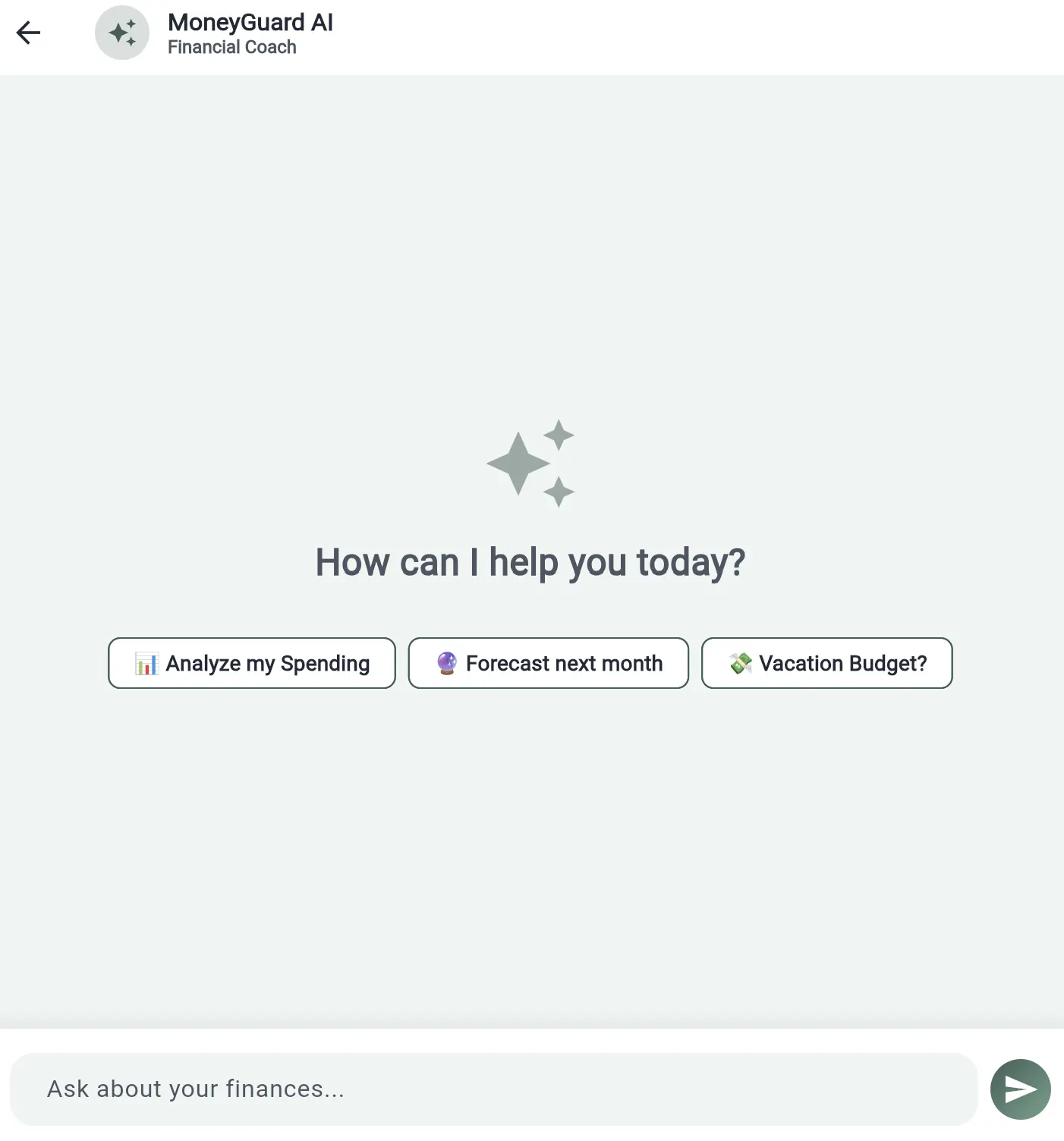
MoneyGuard: an offline-first Flutter app with on-device OCR holding 80–90% accuracy and an AI layer that runs the whole intervention engine for $5–10 a month, in beta with a real test group.
Before you ask
What happens to data entered while offline?
It's stored locally first and syncs in the background once there's a connection — offline isn't a degraded mode, it's the default mode every core feature is built for.
Is on-device AI actually good enough, or does it need the cloud to be useful?
On the reference build, OCR runs fully on-device at 80–90% accuracy with no image ever leaving the phone, and the AI layer only gets called when cheaper local logic can't settle something — which is also what keeps inference cost near $5–10 a month instead of scaling with every action.
Does offline-first mean giving up native performance or feel?
No — it's still a native Flutter app compiled for iOS and Android. Offline-first is an architecture decision about where data lives and syncs, not a trade-off in how the app looks or feels.